
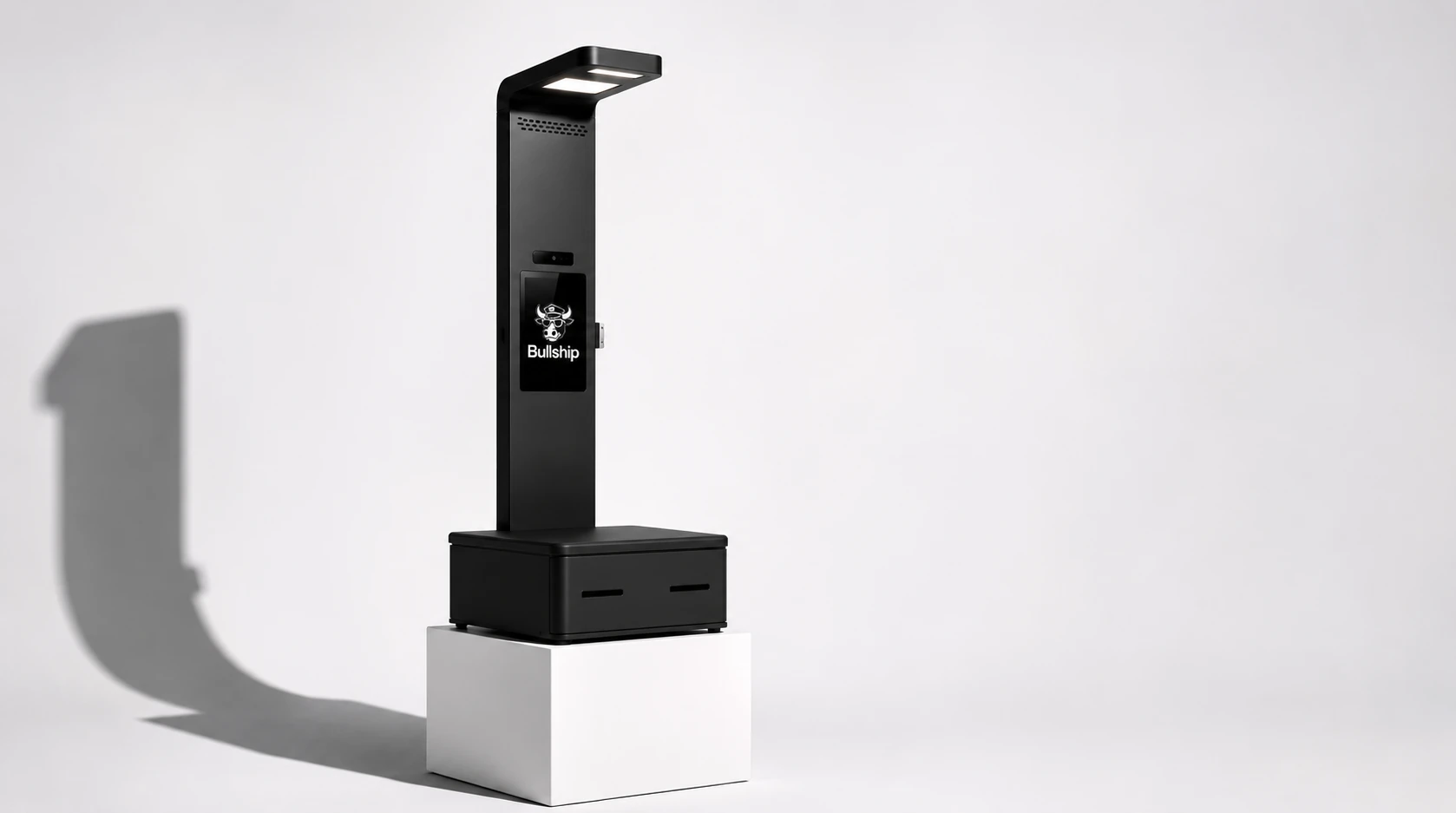
Meet the Bullship Shipping Kiosk
Self-service shipping kiosks built to turn pack-and-ship stores into citywide shipping hubs.
Locations, locations, locations.
Be where people wish you were.
Hotels
Help guests ship purchases, luggage and the things they left behind—before they hit the airport.
Conference centers
Give exhibitors and attendees a convenient way to ship right from the venue.
Local businesses
Bring your shipping service closer to where your customers need to go anyway.
Apartment complexes
Give residents a convenient place to ship packages, right from their mailroom.
Scale your shipping business
Your next location doesn’t need a lease (or staff).
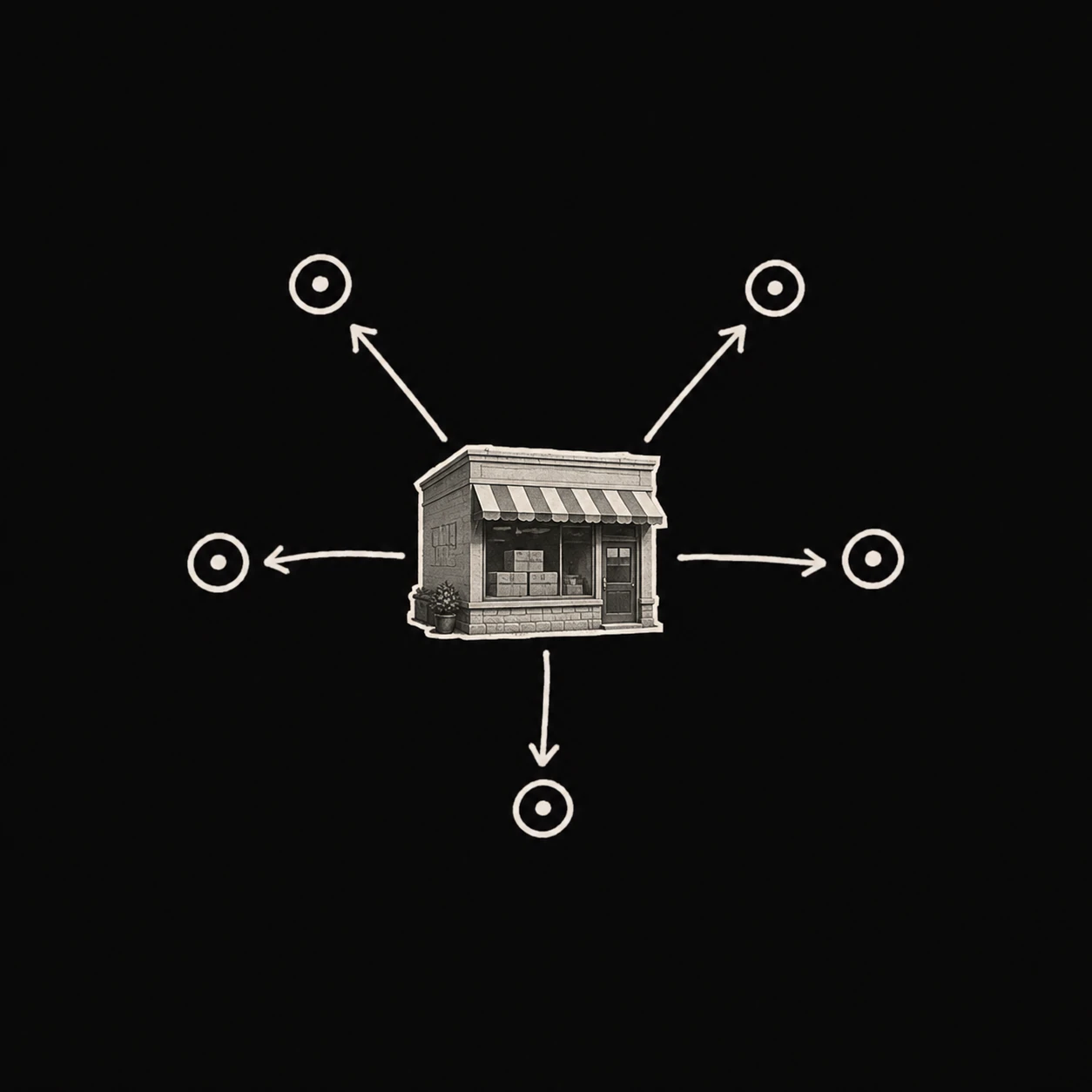
Put your shop where your customers already are. A hotel, conference center or neighborhood business can become another place to ship—with your store behind it.
Book a demo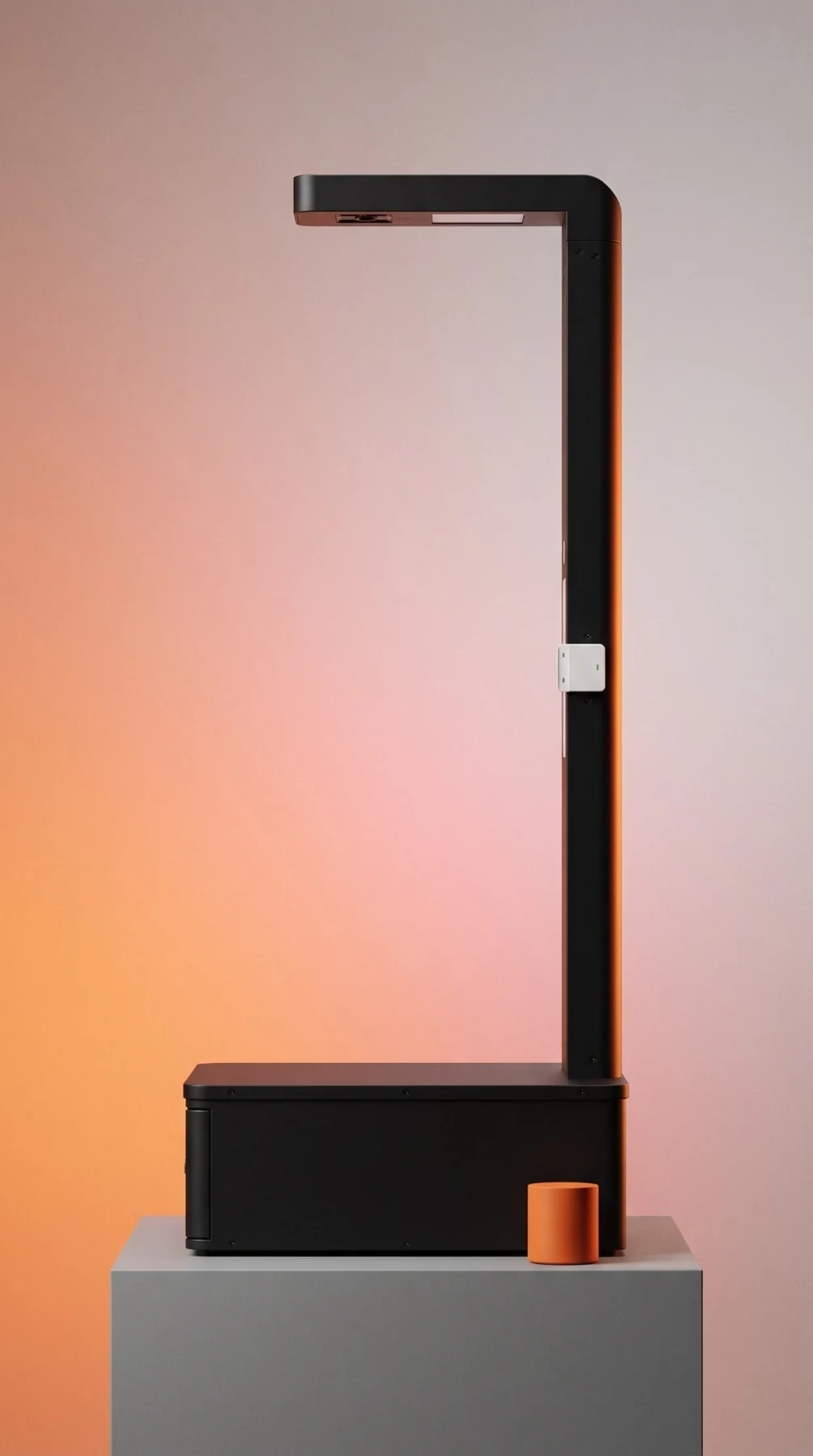
SHIP. PAY. DONE.
A shipping counter customers can run themselves.
Weigh & measure
Set the package down and let the kiosk auto-weigh and measure every parcel.
Compare & pay
Enter the destination, choose a shipping service and pay at the kiosk.
Print & drop off
Attach the label and leave the parcel at the designated drop point or dropbox.
Not a shipping store?
Want to add shipping to your business?
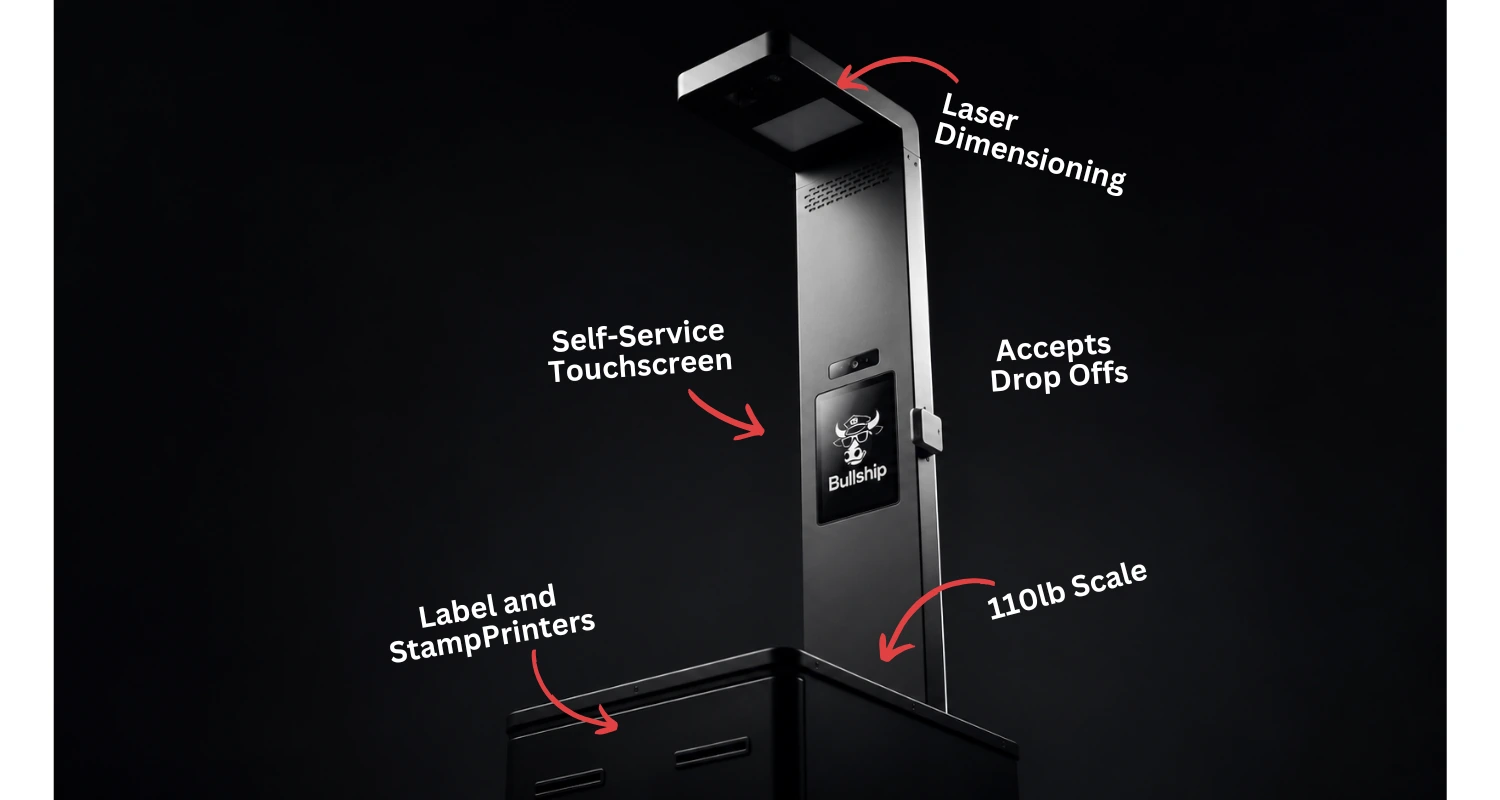
Give your guests, residents or customers a place to ship without building a shipping department or adding counter staff. A Bullship kiosk lets them weigh, measure, pay and print their own labels—whether you want to add a new revenue stream, a useful amenity, or both.
Book a demo- Self-service shipping
- Weighing and dimensioning
- Carrier rate comparison
- Card payments
- Label printing
- Connected to your Bullship account
- Auto-schedule USPS pick ups
HERE’S HOW IT WORKS
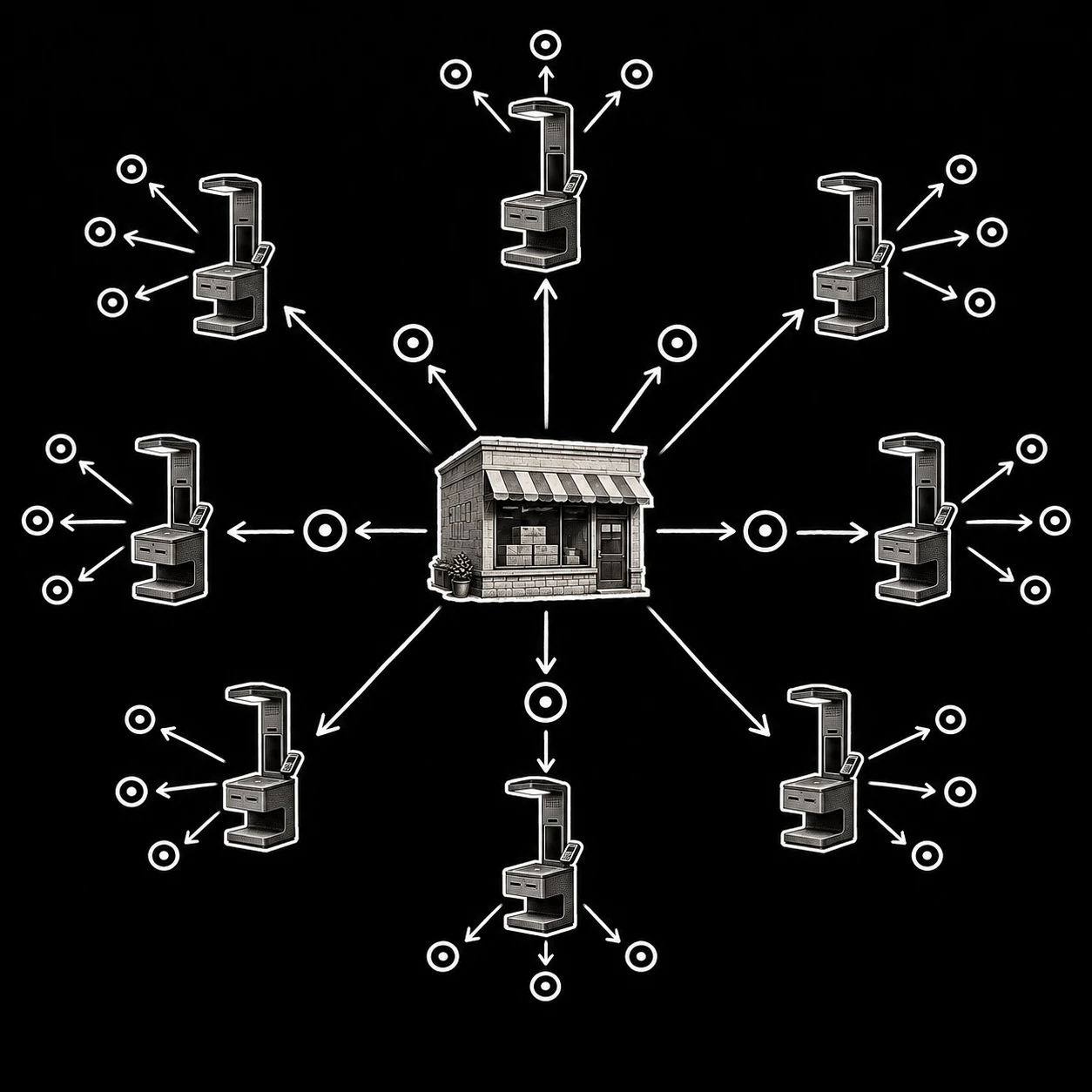
Your customer multiplier.
- 01
Pick a partner location
Add a kiosk where your customers already go.
- 02
Add your services
Connect the kiosk and set up your services in your Bullship account.
- 03
Get notified
Know when shipments are purchased and at which kiosks.
- 04
Collect & send
Bring the parcels back to your store for carrier pickup.
LET’S FIND YOUR NEXT LOCATION
Increase your store’s footprint without increasing overhead.
Tell us where you want to put a kiosk. We’ll walk through the hardware, account connection and collection setup with you.
Book a demoGood questions 📬
Does the kiosk connect to my Bullship account?
Yes. Your Bullship kiosk connects to your store account.
Where can I put a kiosk?
Hotels, conference centers and local businesses are a few options. We’ll review the location, connectivity and parcel collection plan with you.
How much does it cost?
Contact us about a shipping kiosk. Request a quote so we can match the setup to your location.
Who collects the packages?
Arrange a designated drop-off and collection plan for each location. We’ll walk through the workflow with you before setup.