
Package tracking that's actually fool proof
A package photo beats another “Is it here?” call.
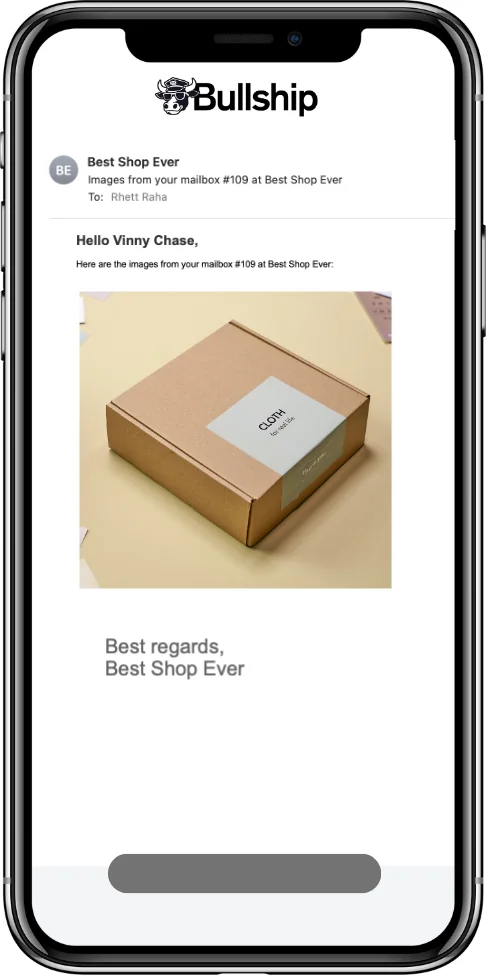
How it works 📬
- Scan or enter the incoming package and match it to a customer.
- Add a photo and send an automated text or email alert.
- Release the package when the customer picks it up.
- Check received and released history, or review your drop-off log for carrier commission reconciliation.
Why shop owners love it
- Customers know what arrived.
- Staff can check pickup history.
- Your drop-off records stay in one place.
Good questions 📬
Can customers get photos?
Yes. Text and email alerts can include package photos.
Can I see who picked up a package?
Use the package release history to see when and who collected it.
Does Bullship log drop-offs?
Yes. Keep a drop-off database for carrier commission reconciliation.
Keep exploring
Free fillable 1583 form · CMRA guide · Start a store checklist
Ready to make the switch?
Try Bullship free for 14 days. No contract. Free onboarding.
Try 14 days free 🎉